 Join the beta























Back at your desk.
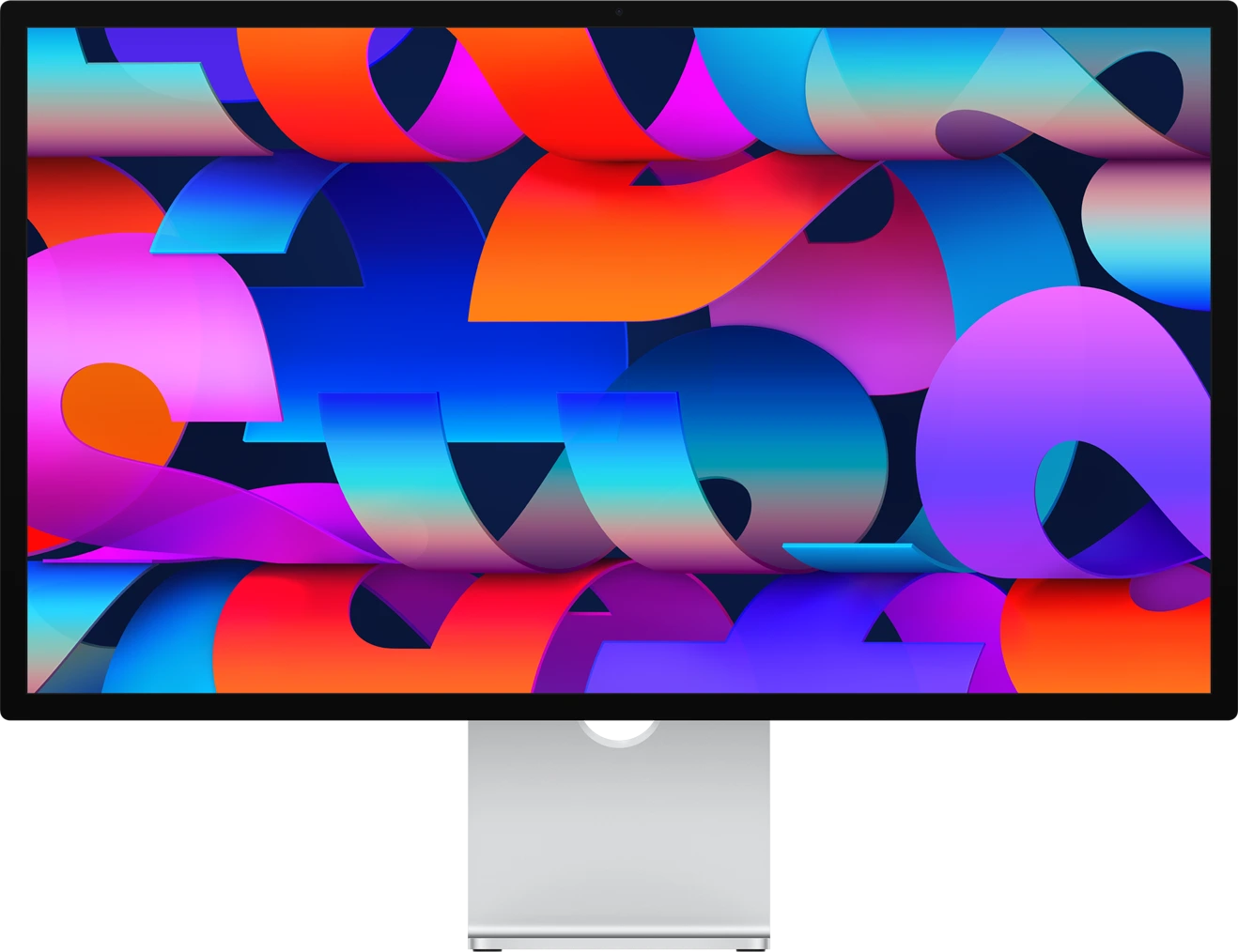
Reconnect your monitor. Your windows return to the layout you saved.
Automatic display recognition
Spaceset remembers your window layouts across multiple monitors and macOS Spaces.
macOS 14+ Apple Silicon & Intel
Less setting up. More getting on with it.
Reconnect your monitor. Your windows return to the layout you saved.
Your displays wake up. Your workspace picks up where you left off.
Code on one Desktop. Design on another. Every window remembers its place.
Made for the way you use your Mac.
Your desk at work. Your monitor at home. Spaceset recognizes your displays and brings back the right layout automatically.
 Your workspaces⌘ ⇧ R
A screen share. A little window chaos. One keystroke to get your whole workspace back.
Remember more than a single screen. Keep apps on the right Desktop, across your displays.
Built in Swift, made for macOS. A quiet little utility that stays out of the way until you need it.
Spaceset0.016.2 MBAppleIllustrative data
Great Mac tools take different approaches.
Here’s where Spaceset fits.
Spencer puts saved layouts across native macOS Spaces at the center. Spaceset puts the moment you reconnect your displays at the center.
Spaceset vs SpencerMoom offers customizable tiling, saved layouts, and automatic display triggers. Spaceset focuses the experience on remembering your workspace.
Spaceset vs MoomSnapback offers workspace saving, restoration, and window snapping. Spaceset is designed around display recognition and memory across Spaces.
Spaceset vs Snapback| Find your fit. | Spaceset | Spencer | Moom | Snapback |
|---|---|---|---|---|
| Built around | Workspace memory | Saved Spaces layouts | Custom window control | Workspace snapshots |
| Saved window layouts | Included | Included | Included | Included |
| Display change workflow | Automatic recognition | Saved layout recall | Configurable triggers | Workspace restore |
| Virtual Desktops | Cross-Spaces memory | Native Spaces support | See documentation | See documentation |
| Window tiling | Use your favorite tool | See documentation | Custom snapping & grids | Integrated snapping |
| Getting started | Arrange. Save. Reconnect. | Save a layout | Configure your actions | Save a workspace |
Compare the workflow, then try it on your own setup. Publisher sources
Good questions. Straight answers.
When a display disconnects, macOS moves its windows onto the remaining screen. Reconnecting does not always put them back. Spaceset remembers the saved display arrangement so you can return to your workspace.
External displays can become available at different times after sleep. Spaceset is designed to wait for the display setup to settle before restoring the matching saved layout.
Yes. Use your preferred window manager to arrange individual windows, then save the whole workspace with Spaceset. Tiling and workspace memory fit naturally together.
Spaceset is designed to remember which virtual Desktop and monitor each saved window belongs to, so your coding, design, and communication workspaces can stay separate.
Spaceset recognizes display configurations reported by macOS, including external monitors connected through docks. DisplayLink and third-party drivers can behave differently, so check your particular setup during the trial.
Pricing and licensing are to be announced. They will be published here before purchase is available. The planned trial gives you 14 days to try Spaceset with your own setup.
Spaceset targets macOS 14 and later on Apple Silicon & Intel Macs. Accessibility permission is needed to read and restore window positions.
A little less arranging. A little more doing.